Bulk upload
Note: You can upload only .csv, .xml or .xlsx files
-
Once logged in into dashboard on left panel click on Products upload
-
Click on the “drop” section and select the file you want to upload
-
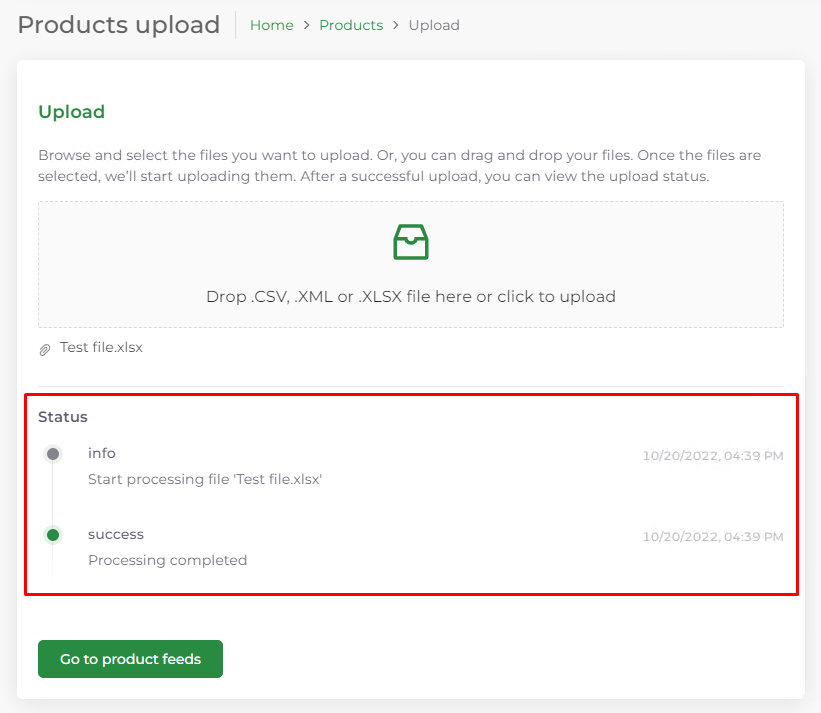
Once the file is uploaded you will see the status of the upload
-
After the file has been uploaded you cannot upload another file until you refresh the page or you go to some other page and return to this page, this prevents uploading multiple files on stack.
NOTE: Once the upload has completed you need to wait until the next product feed sync is done, usually around 1h.